

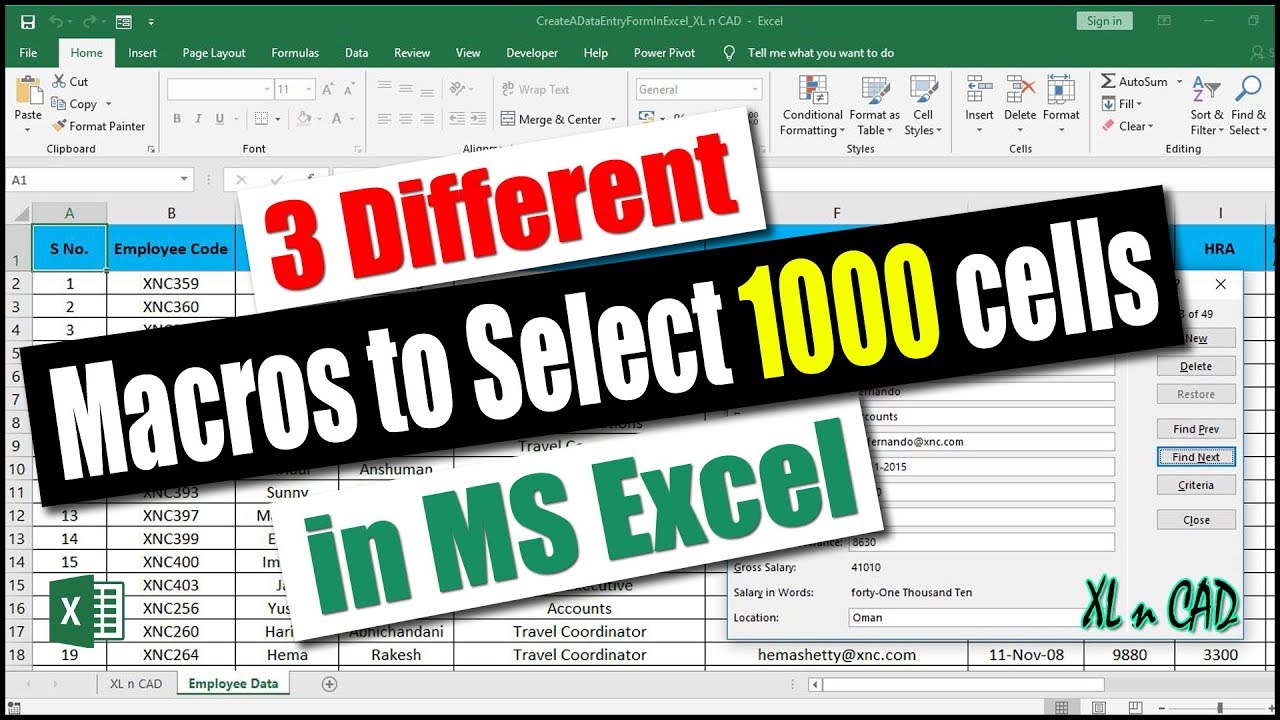
 In this video, we will see 4 different methods to select 1000 cells in a worksheet. The first method is using Name Box and the other 3 are using Macros.
 1. Selecting Cells using Excel Name Box
2. Macro for selecting cells, where Data range is hard coded.
3. Macro for selecting cells using Activecell method, where we have control over the Active cell.
4. Macro for selecting cells using Activecell method, where we have control over the Active cell, number of columns and number of rows to be selected.
Would you like to receive A Notification as soon as I upload a Video?
If so 'Subscribe' to my Channel and press the 'Bell' Icon
Check out my videos on VBA for Excel
1. How to create an Input Box using VBA for MS Excel
2. How to export data into Text File using Output / Append functions in VBA (write to text file)
3.How to Read Data from a Text File or Files and import into Excel Workbook
Check out my videos on VBA for AutoCAD
1. Introduction to VBA for AutoCAD
2. How to write a Script File for Creating a Line, Circle, Layer and Inserting Text in AutoCAD
Check out my video on How to convert PDF file into Word, Excel or JPEG format
Hit the Subscribe Button and Stay tuned for updates.
Thanks for watching :)
#NameBoxInExcel #NameBox #MacroForSelectingCells
I strongly recommend TubeBuddy for upcoming Youtubers
Disclaimer :
Note: This description contains affiliate links, which means at no additional cost to you, we will receive a small commission if you make a purchase using the links. This helps support the channel and allows us to continue to make videos like this. Thank you for your support!
My Gear
Microphone :
Headset :


0 Comments