

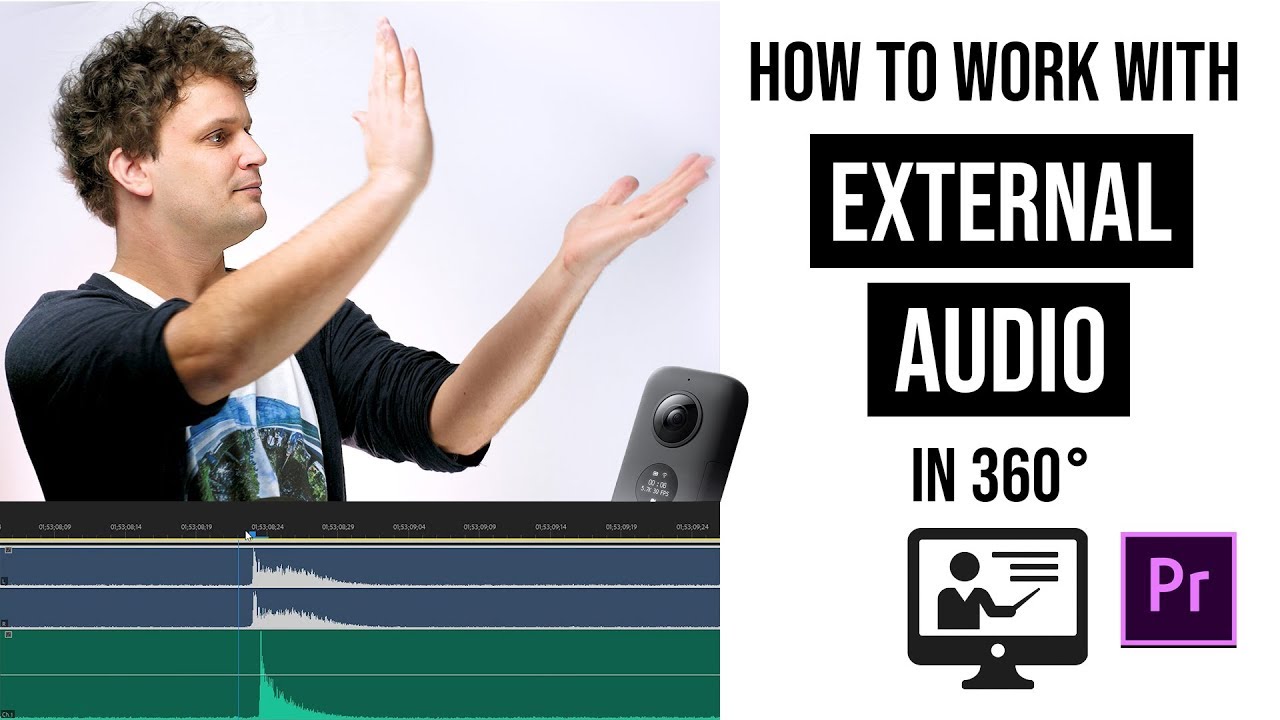
 Most of the 360 cameras have no audio input, so in some cases we have use external devices to record proper sound. Now I show you the whole workflow how to work with these audio tracks. And if you are interested about further 360 photo and video tutorials, subscribe here:
 In this video I show you those situations when it's recommended to use a portable recorder besides using the buli-in microphones of 360 cameras, and how to work with these files during post-production.
Adobe Premiere has some really useful tools to make audio synchronizing fast and easy. I show you how to use it the proper way, and even more I show you the tricks, how to synchronize audio like a pro.
If you are interested about the comparison between different sound recording methods, click on my previous video:
Get Insta360 One X with a FREE invisible selfie stick:
Get the Insta360 One with a FREE invisible selfie stick:
If you're interested about littleplanet photography, follow me on Instagram:
#360videography #cinematography #audio #soundrecording #gabavr #tutorial #360video #insta360onex #adobepremiere


0 Comments